How to style your modem (without blocking the WiFi)
READ TIME: 8MIN
In this article:
No one wants a blinking black box ruining the look of their living room. But before you shove your modem into a drawer or wrap it in a basket, know this: how you style your modem directly impacts your internet performance. Blocking signal, airflow, or orientation can lead to weaker speeds, overheating, or dropouts.
The good news is, you can make your modem look intentional, modern, and visually pleasing, without sacrificing WiFi coverage. This guide explores signal-safe styling options, common mistakes to avoid, and real-life examples of modem setups that are equal parts functional and fetching.
It’s all part of our mission to help New Zealanders get the most out of their broadband without compromising on style.
Why styling your modem matters
For many homes, especially open-plan living areas and compact apartments, the modem is in full view. Whether it’s on a hallway shelf or sitting on the kitchen counter, your WiFi gear is part of your visual landscape. Hiding it poorly often leads to:
- Reduced signal strength
- Slower internet speeds
- Overheating issues
- Frustration with dropouts or buffering
By styling the modem well (instead of hiding it entirely), you solve two problems at once: clutter and connectivity.
What to look for in a style-friendly setup
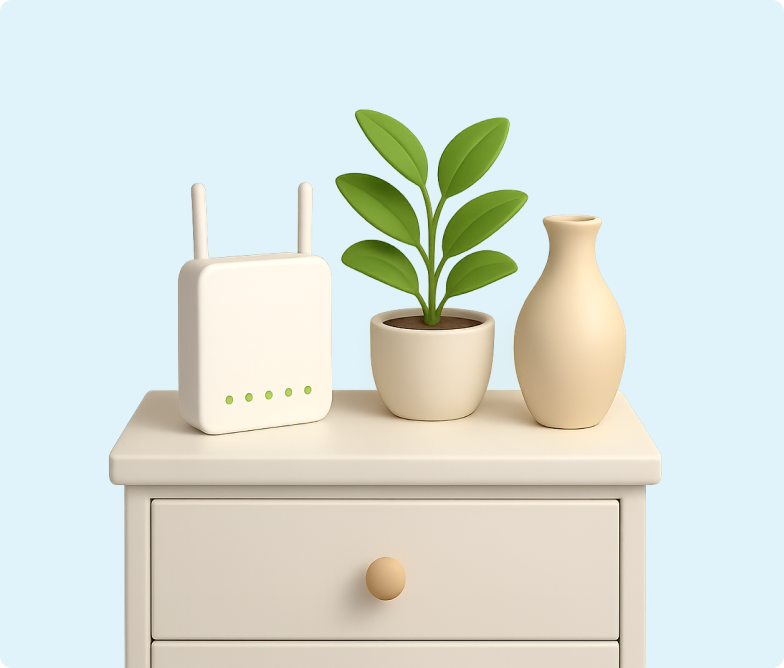
A styled modem doesn’t need to be disguised completely. It just needs to look intentional, like it belongs where it is. Here’s what a good setup typically includes:
- Elevation (at least waist height)
- Ventilation on all sides
- Clear line of sight to the room where most devices are used
- Neutral or coordinated decor that doesn’t block signal
The trick is to treat your modem like a design object. Place it as part of a vignette or composition that includes books, plants, or photos (but don’t trap it between them).
Modem styling do’s
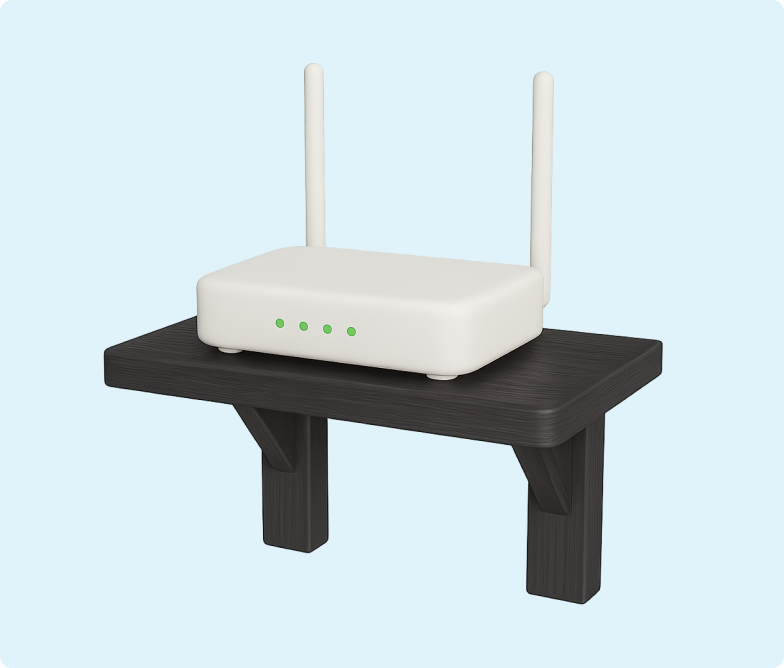
Use open shelving
A floating shelf or open display keeps your modem elevated and visible while allowing you to build a decor story around it. Add a small succulent, a candle, or a framed photo next to it, just keep them short and off to the side.
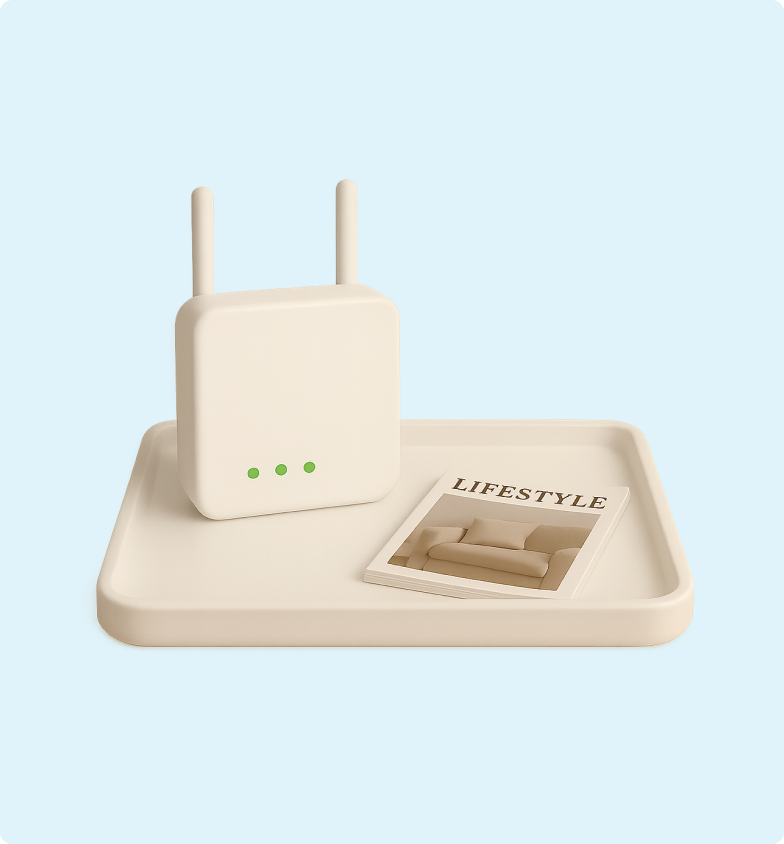
Use decorative trays
Place the modem inside a shallow rattan or timber tray alongside other items like keys or a dish. This works well on hallway consoles or sideboards. It looks styled but still breathes.
Lean into symmetry
Modems are often rectangular. Balance their shape with similar-height decor: a small vertical frame on one side, a small plant on the other. Symmetry gives the appearance of balance and helps the modem blend into a group.
Try tonal matching
If your modem is white, consider placing it on a white shelf with light-toned decor around it. This makes the modem fade into the background while still performing well.
Common styling mistakes (and how to fix them)
Hiding it in a cupboard
Closed furniture blocks signal and airflow. Even worse, many modems can overheat if stored in an unventilated space. Keep the modem out in the open.
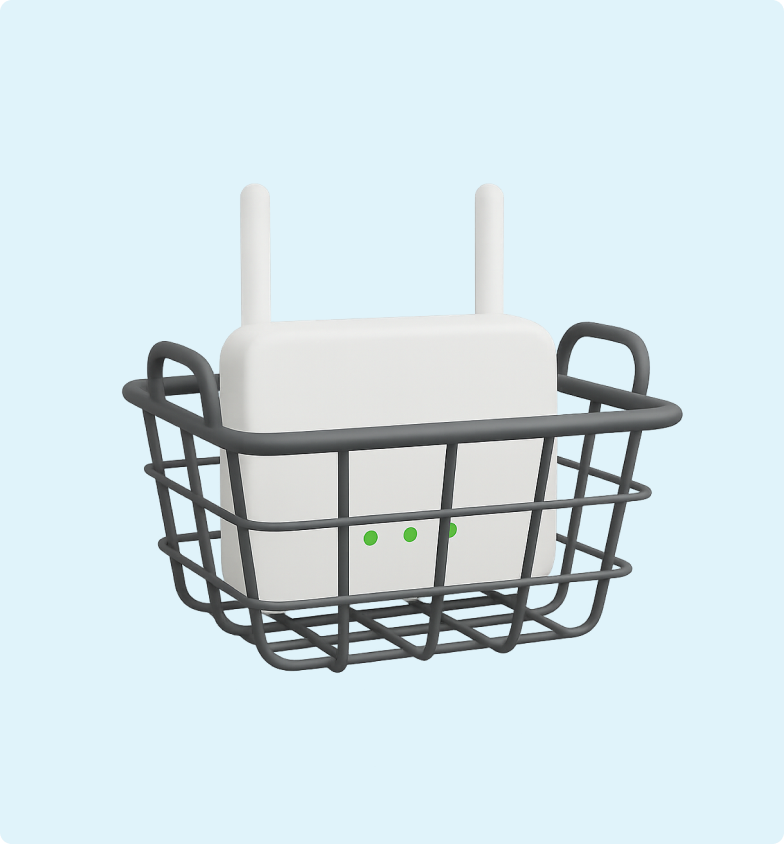
Using metal baskets or containers
Metal can reflect or absorb WiFi signals. Instead, use open-weave baskets made from natural materials like rattan or mesh wire with wide spacing.
Wrapping it in fabric
It may look soft and subtle, but cloth wraps block ventilation and can lead to performance issues. Avoid covers unless they’re purpose-built and breathable.
Blocking the modem with decor
That large photo frame might look nice, but if it’s sitting directly in front of the modem, it’s likely weakening your signal. Position decor beside or behind the modem, not in front of it.
Real-home examples that get it right
The styled entry shelf
A white floating shelf by the front door holds a modem, a small photo frame, and a trailing plant. All items are short and off to the sides. The modem blends in but breathes.
The bookshelf blend-in
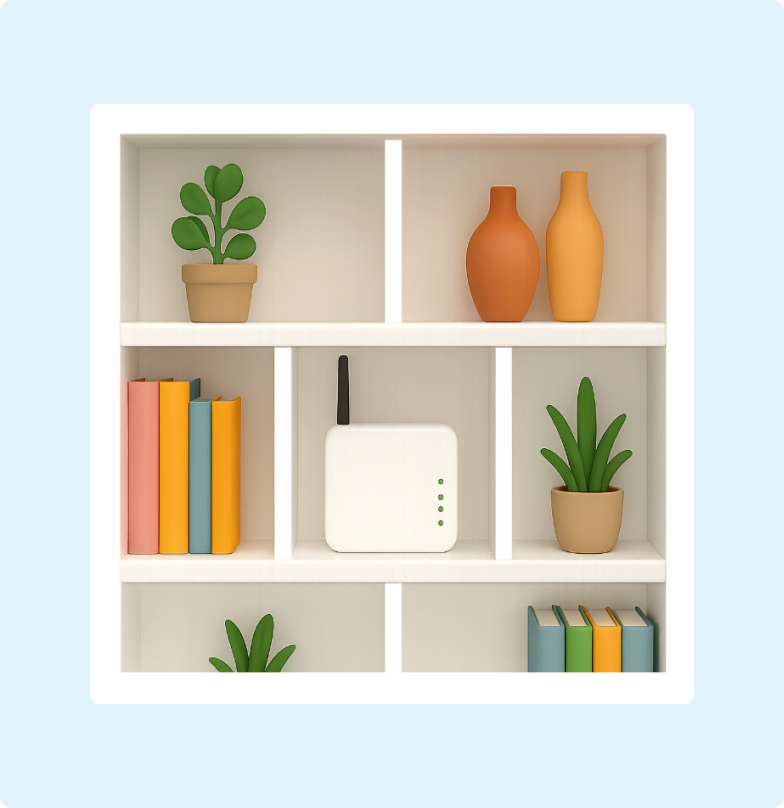
On the second shelf of a bookcase, a modem is flanked by upright books and a ceramic vase. Everything is open air. Nothing blocks the modem’s top or sides.
The cane cabinet solution
A small cane-front console houses the modem behind a breathable, perforated panel. The modem is elevated and near the centre of the home. Ventilation and signal are both intact.
The tray-on-console trick
A shallow wooden tray sits on a hallway table. Inside: modem, a short plant, a ceramic key bowl. The tray creates visual order and disguises cables beneath.
Room by room styling advice
Living room
For the best balance of style and signal strength, place your modem on an open shelf, media console, or bookcase that is at least 15 cm deep, ensuring there is space around the top and sides for airflow. You can soften its appearance by positioning it behind a plant or photo frame, as long as it is not fully blocked, and by coordinating the modem colour with your décor or applying an adhesive vinyl wrap for a more customised look. Decorative baskets or open-sided boxes can help conceal cables while still allowing ventilation. Avoid placing the modem inside closed cabinets, behind large electronics, or too close to your TV or speaker systems, as this can interfere with performance.
Hallway or entrance
For more even coverage throughout your home, mount your modem on a floating shelf or place it on a console table or wall shelf near the centre of the house, ideally above hip height to help the signal travel further. Keep the setup tidy by using a stylish tray or small organiser to manage cables, and consider incorporating the modem into a gallery wall so it blends naturally with framed photos or artwork. Choose a well-ventilated spot that is not crowded with shoes or coats, and avoid placing it near metal objects or mirrors, which can interfere with signal performance.
Office or study
Place your modem on your desk or a nearby shelf for easy access and a strong signal, ideally elevating it on a dedicated shelf above your worktop if possible. Keep cords neat and out of sight using adhesive cable clips, sleeves, or trunking, and consider a modem stand or riser that complements your office décor. You can position the modem behind books or office supplies to reduce visual clutter, but make sure the front and sides remain clear for proper airflow and performance. Avoid tucking it under the desk or inside a drawer, as this can block ventilation and weaken the signal.
Small apartment
In an apartment, place your modem on a central shelf or open bookcase to help ensure even coverage throughout the space, or integrate it into a media console or entertainment unit positioned near the front for optimal signal. Make the most of vertical space with a wall-mounted shelf to keep the modem visible yet stylish, and consider multi-purpose furniture such as a side table with open storage to house it discreetly while keeping it accessible. Keep cables tidy and out of sight using adhesive cable covers or organisers, grouping them neatly behind the shelf or routing them through the wall where possible to minimise clutter. Avoid placing the modem near kitchen appliances or inside closed cabinets, as these can interfere with signal strength and ventilation.
Designer tips for modem styling
Don’t hide them, style around them
Treat the modem as you would a speaker or digital photo frame. Integrate it rather than conceal it.
Match your modem to your palette
If your space is minimalist, white modems work well. If it’s darker, consider hiding it within a darker shelving system or blending with matte black accessories.
Breathe is beauty
Good design leaves space. Don’t crowd your modem with objects, especially not at the top or back.
FAQs
Yes, as long as the basket is open weave, not metal, and leaves space for airflow. Avoid fully enclosed containers.
On a high, open shelf near the centre of the room, ideally away from the TV or large electronics.
Absolutely. Use short objects placed beside (not in front of) the modem. Avoid tall items or anything that traps heat.
Yes. In fact, the higher the better, as long as it’s stable, has ventilation, and doesn’t tip easily.
Absolutely. Use short objects placed beside (not in front of) the modem. Avoid tall items or anything that traps heat.
Modem styling checklist
Before you finish setting up, run through this list:
- Modem is elevated (waist to eye level)
- Not blocked by tall or solid decor
- Surrounded by breathable space
- Cables are routed and tidy
- Decor is light, balanced, and fits your style
- No metal containers or thick fabric covers
- Shelving is ≥15 cm deep with air space at sides and back
Final thoughts
Styling your modem is about working with your tech, not against it. With a bit of thought and creativity, you can make your broadband setup feel like part of your home, not an eyesore. And by avoiding common pitfalls like blocked airflow or full enclosures, you’ll also ensure your internet performance stays strong.
Small styling changes can improve both how your home looks and how your WiFi performs. It’s one of the simplest home upgrades you can make and one of the most impactful.